

Bottom line:
- Your credit union or bank has stringent protocols in place to protect against fraudulent use of your debit card, including encryption, 24/7 monitoring, and for some cards, added cardholder security so you’re not responsible for unauthorized transactions.
- You can boost security by adding your debit card to your digital wallet, protecting your PIN and account information, buying from sites and companies you trust, and paying close attention to any unusual activity on your card or checking account. (Setting up alerts is the easiest way to track this.)
- Report any suspicious activity on your debit card or checking account ASAP; the sooner you do, the easier it is for your bank or credit union to protect your money.
First, it’s important to know that your money lives in your checking account, not on your debit card. Your debit card is just a tool you use to access your account. Also, your bank or credit union has protocols in place to protect your account as well as steps they’ll take if something goes wrong.
In addition to constant monitoring, your credit union or bank uses state-of-the-art security measures, including the technology embedded in your card chip, encryption, and multiple security layers to protect members. Federally insured credit unions — which include CEFCU — must follow stringent cybersecurity requirements.
How to protect your debit card
There are steps you can take to protect your checking account, debit card, and card Personal Identification Number (PIN):
- Set up alerts and/or controls on your credit union or banks’ mobile app so you know immediately if something out of the ordinary happens (alerts) or block a particular transaction, for example an international transaction if those aren’t part of your normal spending behavior, before it can even hit your account (controls).
- Add your debit card to your preferred digital wallet; this provides another layer of security.
- Use strong passwords and multi-factor authentication.
- Never give out your one-time passcode/security code.
- Keep your card information (especially your PIN) private.
- When you’re finished banking online, log out of your account.
- Buy from sites you trust.
- Never reply to an email, text, QR code, or call asking for your password, PIN, or Social Security, checking account, debit card, or credit card numbers.
- Make sure your Web browser is up to date.
Fraudulent activity to look out for
You already know not to answer any type of communication that asks for your personal information, financial or otherwise. Simply put, any unfamiliar or unauthorized transaction — whether a purchase or a withdrawal — that appears on your checking account is cause for concern. (Keep in mind that it could be your bank or credit union that discovers possible fraud and notifies you.)
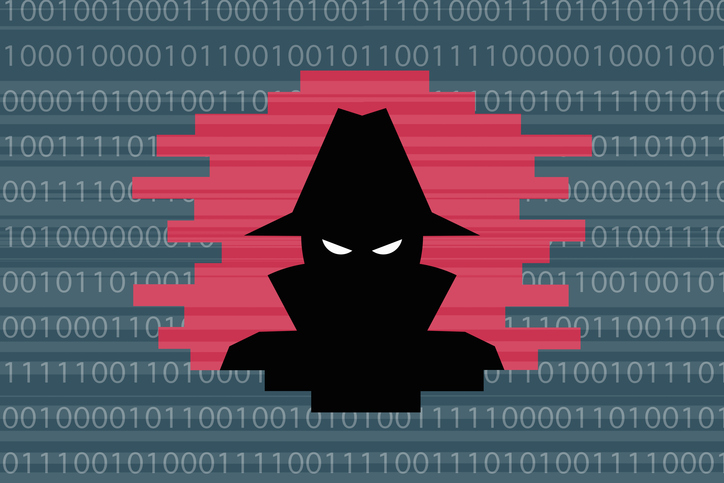
Reach out to your credit union or bank right away if you suspect fraud, identity theft, or any other security breach. You can put a freeze on your card or cancel it, through their mobile banking app. The earlier you report a suspicious debit or charge, the sooner your financial institution can stop fraud and protect your money. Some financial institutions also offer cardholder benefits that protect you from unauthorized transactions, like at CEFCU, our cards are backed with Zero Liability* protection.
Explore more about checking accounts
Learn more about opening a checking account and explore these resources that help answer common questions about checking accounts:
►How do I use a checking account day-to-day?
►How is a debit card different from a credit card?
►What does a checking account actually do?
►How do I choose the right checking account for me?
Reach out to CEFCU to learn more about protecting your money.
*Zero Liability: Pay only for purchases which you have authorized on your CEFCU Debit Mastercard. Unauthorized purchases are not your responsibility. Conditions and exceptions apply. Get details https://www.mastercard.us/en-us/personal/get-support/zero-liability-terms-conditions.html.


